
Building a playable game in under an hour once seemed like a pipe dream, but with the latest advances in AI-powered development tools, this is quickly becoming the new norm. Whether you’re a seasoned developer or an absolute beginner, platforms like Grok 4 and GameGPT are lowering the barrier to entry, enabling rapid prototyping and deployment for everything from classic arcade clones to original concepts. The emphasis is now on speed, accessibility, and leveraging AI’s strengths to handle repetitive or complex tasks, so you can focus on creativity and gameplay.

Choosing the Right AI Game Development Platform
The first step is platform selection. Each tool offers unique features tailored to different skill levels and genres. For instance, Grok 4 has gained attention for its ability to deploy games in under two minutes, as highlighted in tutorials like Matt Palmer’s quick rundown. Meanwhile, Fancade lets users design mobile games using visual scripting, perfect for puzzle or platformer fans. If you prefer open-source flexibility, GDevelop supports both 2D and 3D games through event-based logic rather than code-heavy workflows. And for text-driven adventures or interactive fiction, AI Dungeon delivers dynamic storylines generated by AI itself.
Top AI Game Development Platforms to Try
- Grok 4: Rapid AI-powered game creation and deployment. Grok 4 enables users to build and launch playable games in under two minutes, leveraging advanced AI for coding, design, and troubleshooting. Integration with platforms like Replit streamlines the process, making it ideal for both beginners and experienced developers.
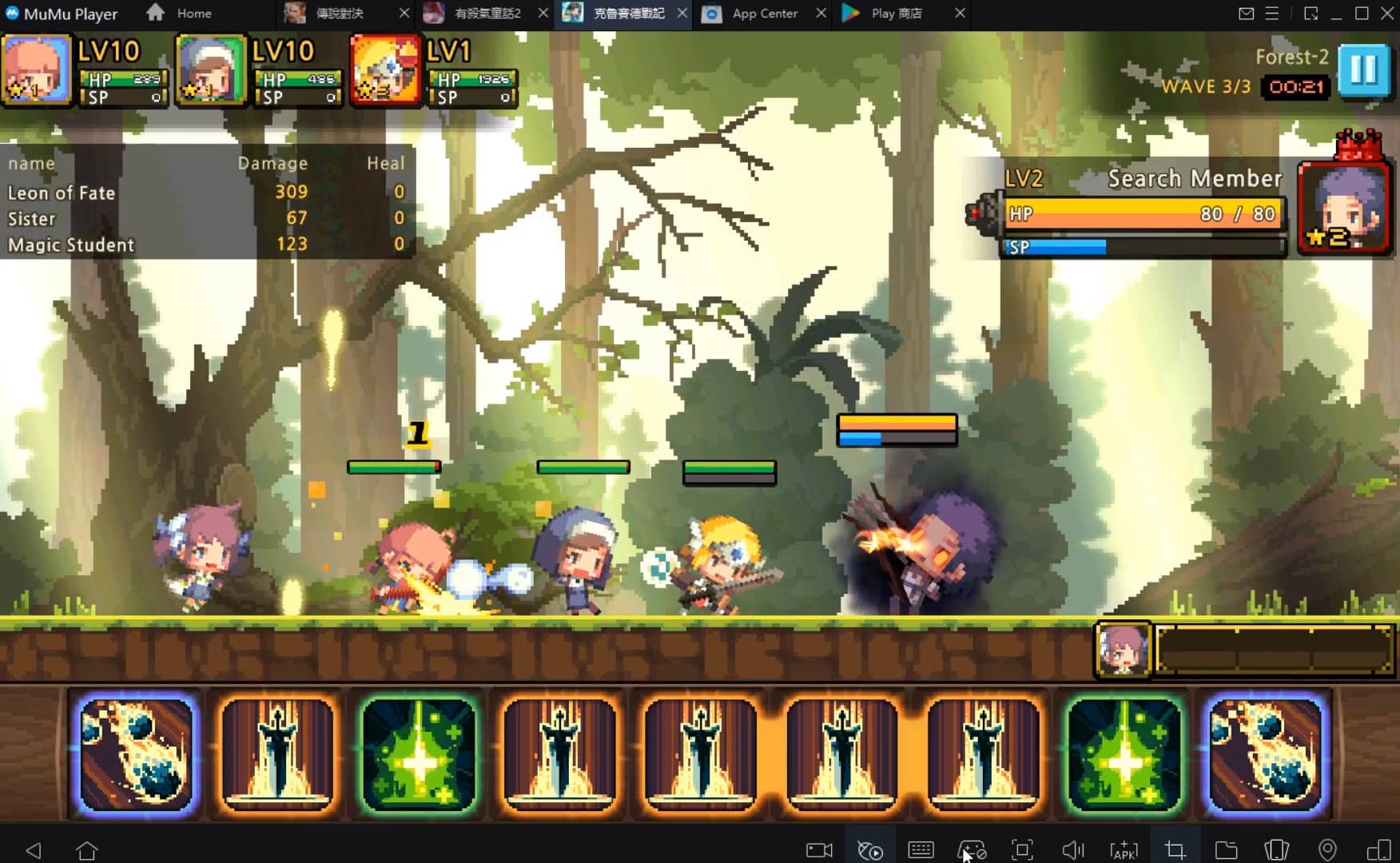
- Fancade: Mobile-friendly visual game engine. Fancade offers an intuitive visual scripting system for creating games across genres, including puzzles and platformers. Its user-friendly design and active community make it accessible for rapid prototyping on iOS, Android, and web browsers.
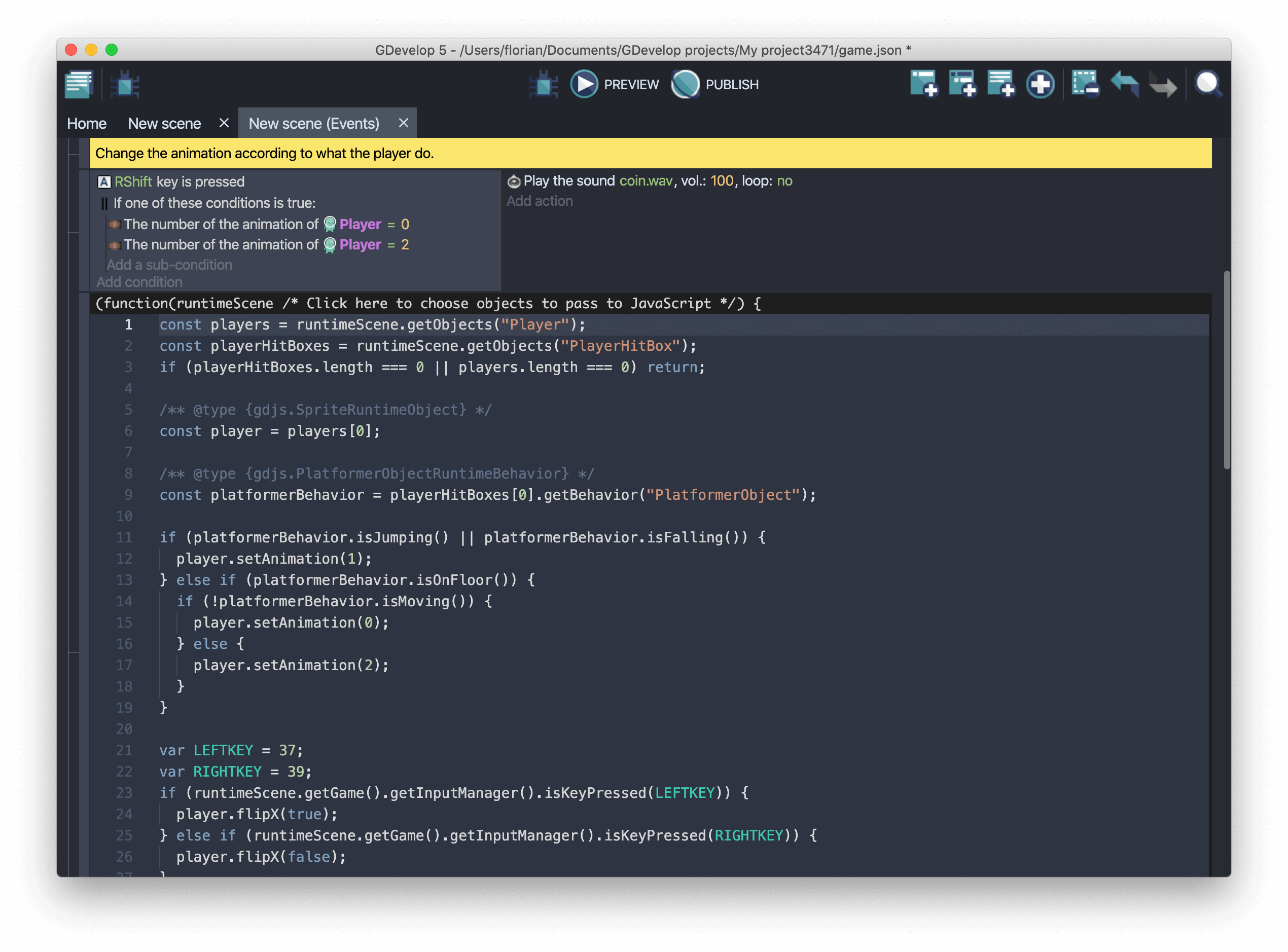
- GDevelop: Open-source, event-driven game engine. GDevelop supports 2D and 3D game creation using event-based visual programming. Its cross-platform capabilities and robust community support make it a favorite for fast, code-free game development.
- AI Dungeon: AI-driven interactive fiction platform. AI Dungeon uses artificial intelligence to generate dynamic, text-based adventures, allowing creators to build interactive stories and games with limitless narrative possibilities in minutes.
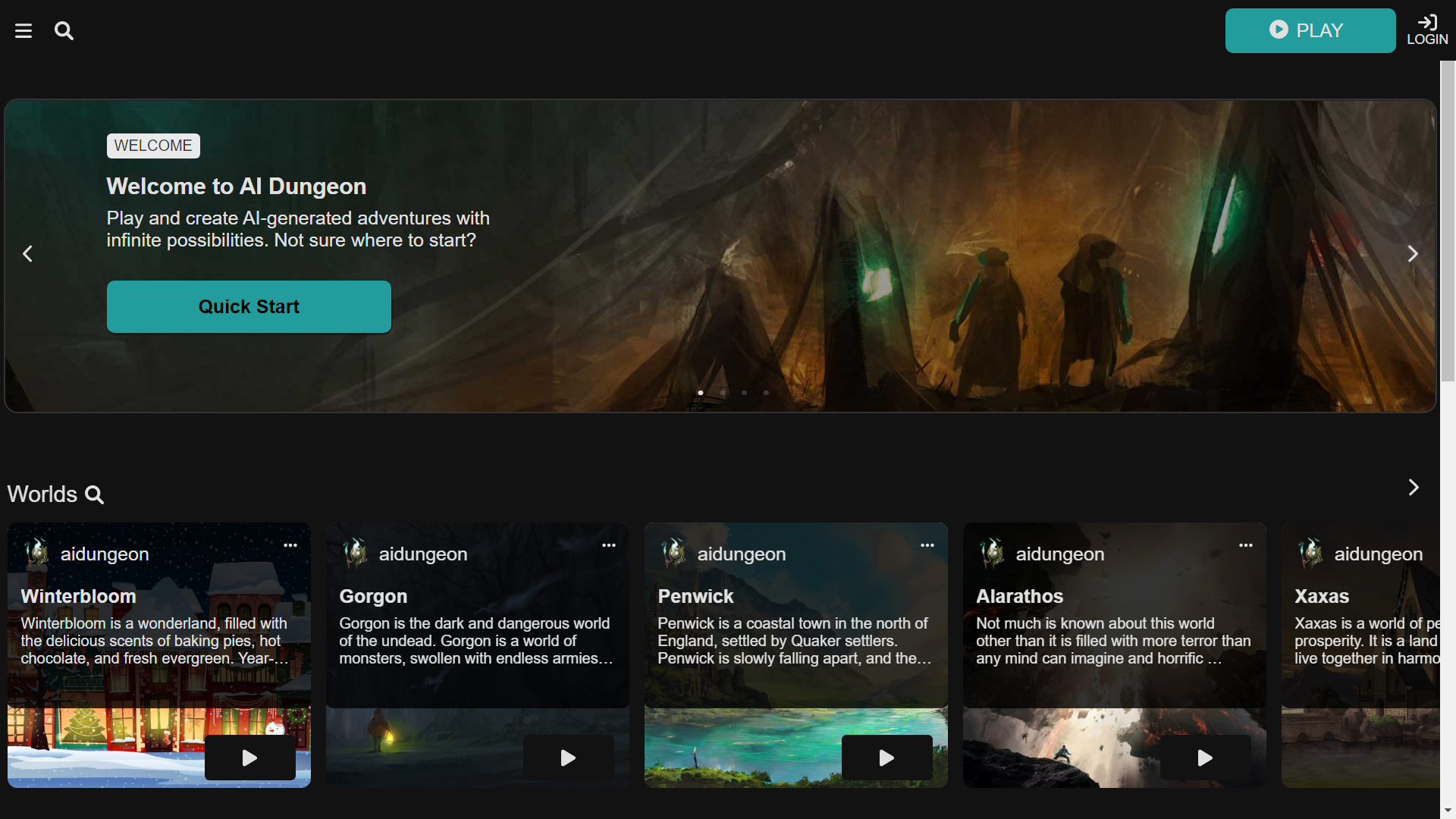
Your choice should reflect your comfort level with coding (or lack thereof), desired genre, and publishing targets (mobile, web browser, desktop). Beginners often gravitate toward visual scripting engines like GDevelop or Fancade due to their intuitive interfaces and gentle learning curves.
Accelerating Asset Creation with Generative AI Tools
No modern game comes together without compelling visuals, and this is where generative AI tools shine. Instead of spending hours modeling characters or handcrafting environments from scratch, developers can now prompt tools like Sloyd for instant 3D models or use Ponzu to generate textures based on simple descriptions. For pixel art aficionados or those building tile-based worlds, PixelVibe offers generative asset packs covering everything from props to backgrounds.
This approach not only saves time but also democratizes access to high-quality art assets that were previously out of reach for solo creators or small teams. The key is to experiment with prompts, iterating until the generated results align with your vision.
Coding Game Logic: Visual Scripting vs. Intelligent Agents
The core of any game lies in its mechanics, the rules that govern player actions and NPC behaviors. Platforms such as GDevelop rely on visual event systems: you set up triggers (when/if statements) that define how objects interact without writing traditional code. This makes it accessible even if you’ve never programmed before.
If your ambitions include adaptive enemies or dynamic challenges, consider leveraging reinforcement learning toolkits like Unity ML-Agents. These let you train NPCs using real-time feedback loops so they learn optimal strategies over multiple play sessions, a technique increasingly popular in competitive arenas and rogue-like genres.
A Step-by-Step Process for Rapid Game Creation
How to Build a Playable Game with AI Tools: Step-by-Step

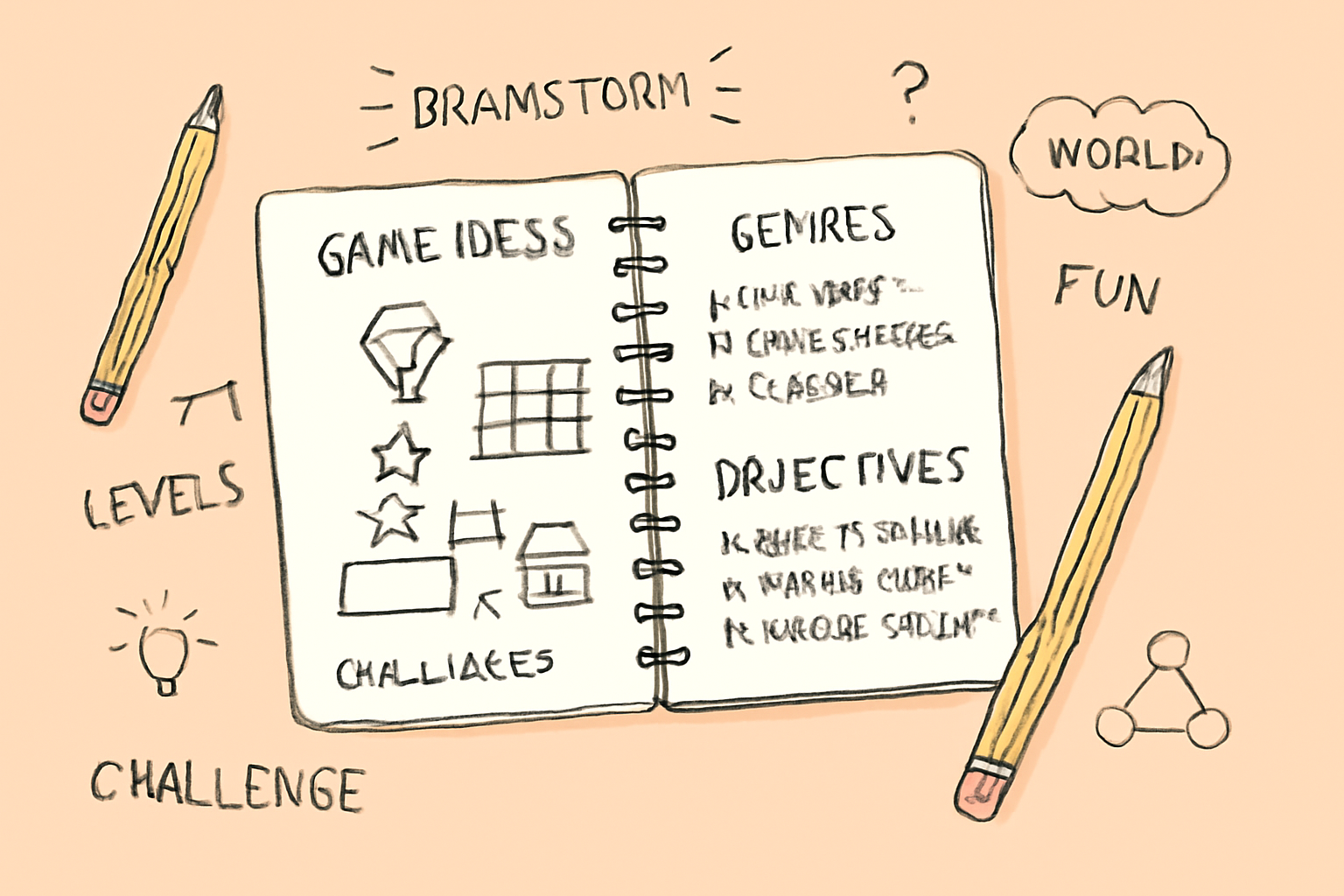
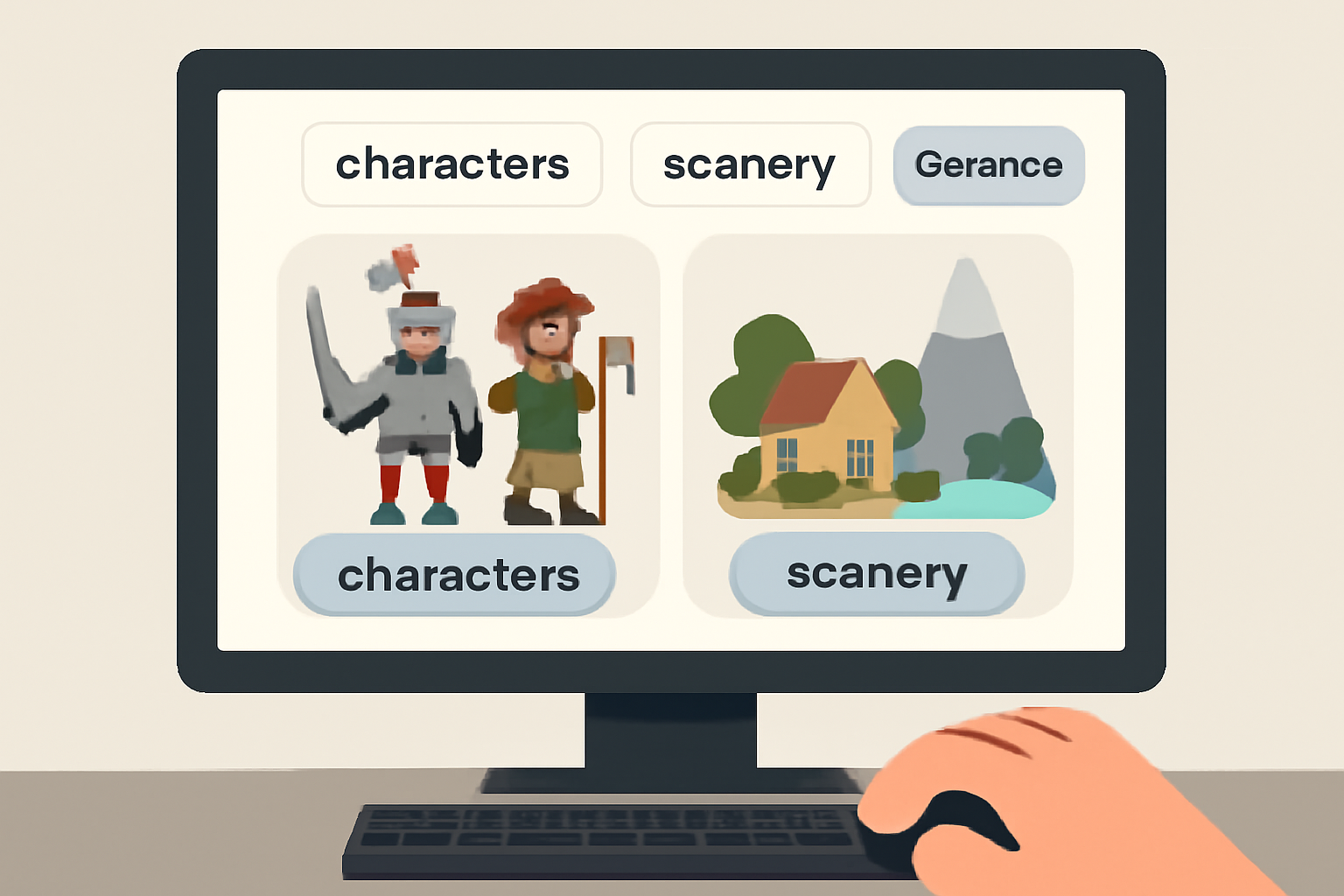
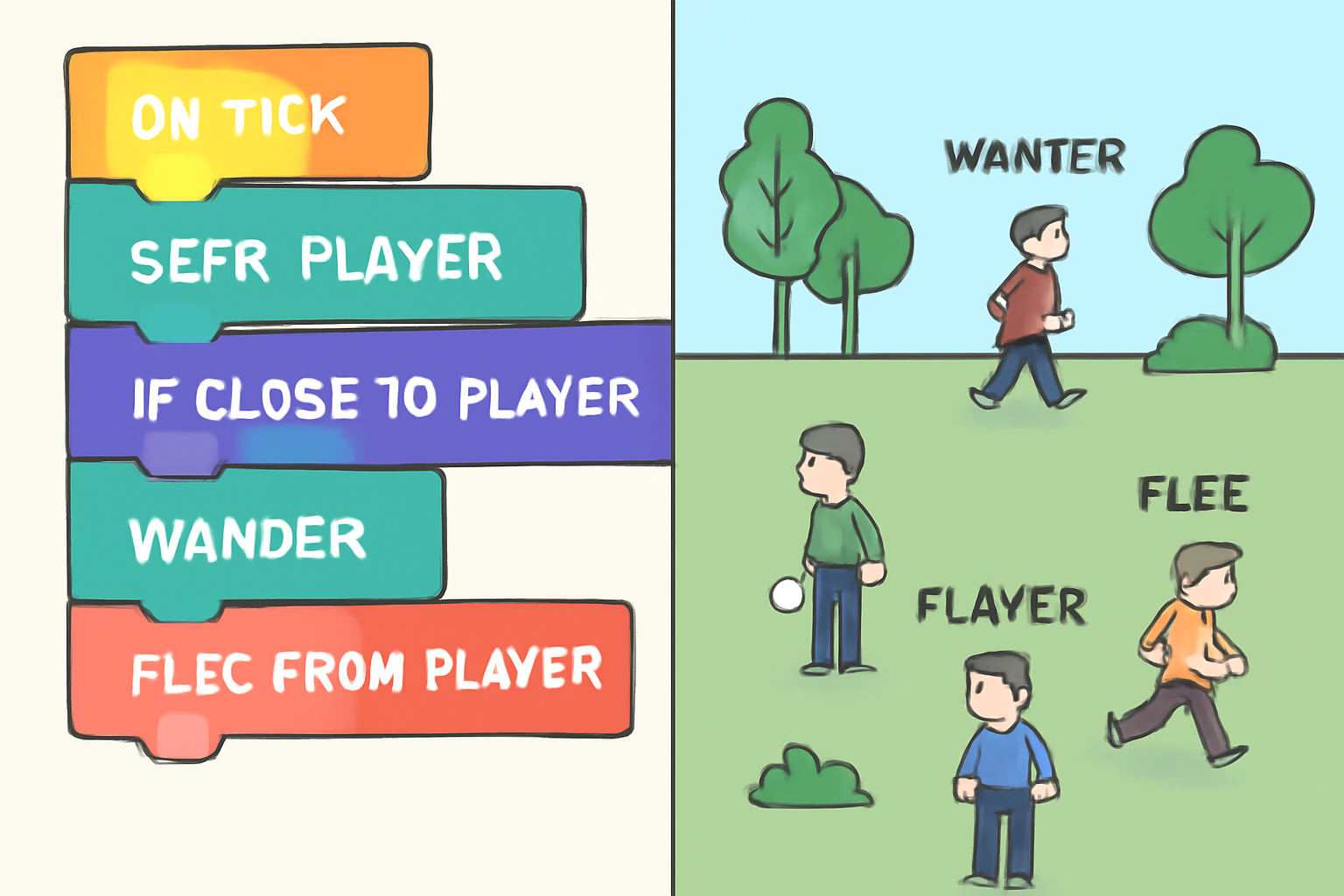
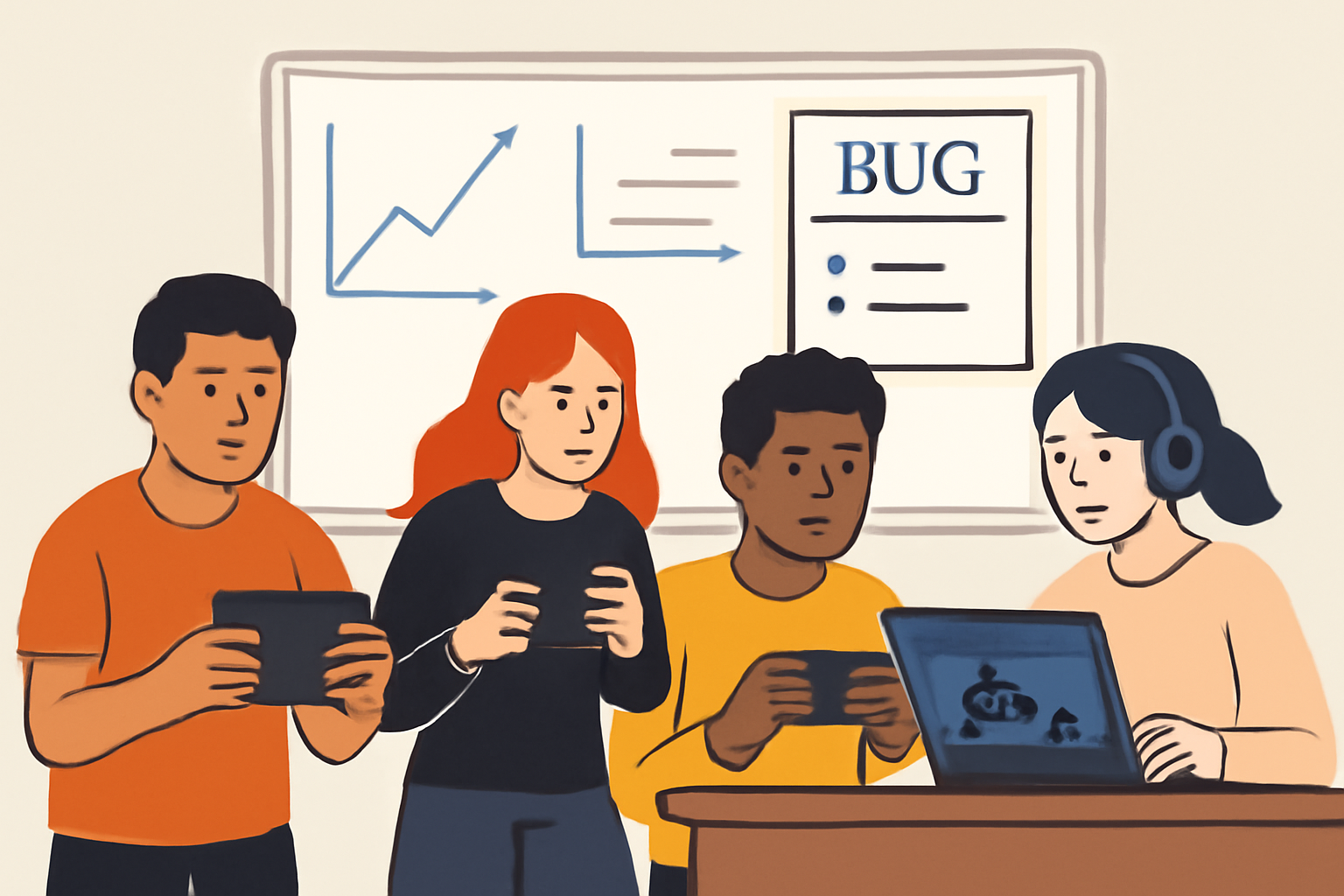

The process typically unfolds as follows:
- Select your platform: Match your project scope with the right engine (e. g. , GDevelop for 2D action; Grok 4 for fast prototyping).
- Define your concept: Start small, think single mechanic games like endless runners or minimalist shooters, and clarify objectives upfront.
- Create assets via AI: Use Sloyd or PixelVibe for instant models/textures; iterate on prompts until satisfied.
- Add logic: Employ visual scripting or integrate ML-Agents if advanced behaviors are needed.
- Test frequently: Playtest after every major change; fix bugs early rather than letting them pile up.
- Deploy: Most platforms offer one-click exports for web/mobile/desktop publishing when ready.
This workflow not only slashes development timelines but also encourages experimentation, a critical advantage in today’s dynamic gaming landscape.
One of the most exciting aspects of AI fast game development is how it empowers creators to quickly realize their ideas and iterate without the usual bottlenecks. With tools like Grok 4, many users report deploying their playable prototypes in minutes, not days. However, even with these advancements, a disciplined approach remains essential to ensure your game is both functional and fun.
Troubleshooting and Iteration: Working with AI’s Limitations
While AI for non-coders has made game development accessible to more people than ever before, it’s important to recognize that these tools are not infallible. Common issues include:
- Unexpected bugs in logic or asset generation
- Generic or repetitive outputs from AI models
- Difficulty translating complex ideas into prompt-based instructions
Many developers recommend starting with a minimal viable product (MVP) and playtesting early. As one user shared on Reddit, success often comes down to “above average troubleshooting skills” and a willingness to work through initial quirks. Don’t hesitate to ask clear, specific questions of the AI or consult community forums for support.
Publishing and Sharing Your Creation
The final step is deployment. Platforms like GDevelop and Grok 4 offer streamlined export options for web browsers, mobile devices, or desktop systems, often with a single click. When you’re ready to share your game, consider gathering feedback from friends or online communities before a full public release.
If you’re looking for inspiration or want to see what’s possible in this space, check out tutorials such as Matt Palmer’s Grok 4 quickstart guide. Watching others build and deploy games can help demystify the process and spark new ideas.
Build Your First AI-Powered Game in Under an Hour: A Step-by-Step Guide



The Future: Beyond Speed, Towards Smarter Games
The current wave of GameGPT tutorial content demonstrates that speed is only part of the equation. As AI models improve, we’re seeing smarter NPCs, more dynamic storylines, and procedural content generation that adapts to player behavior in real time. This opens up fresh opportunities not just for solo developers but also for competitive arenas like Ai-Vs-Ai Arenas where intelligent agents face off in evolving environments.
The rapid pace of innovation means that what takes an hour today may soon take minutes, or even seconds, as platforms integrate deeper learning capabilities. For now, the best results come from combining human creativity with disciplined iteration: protect your vision first by focusing on fundamentals; let profit (or player satisfaction) follow as you refine your project.
Key Takeaways for Building Games Fast with AI
- Start small: Focus on a core mechanic before expanding features.
- Leverage visual scripting: Skip boilerplate code by using event-based logic systems.
- Use generative assets: Speed up art creation with tools like Sloyd or PixelVibe.
- Troubleshoot proactively: Test often and address bugs early.
- Engage the community: Learn from others’ experiences via forums and video tutorials.
- Aim for polish over scope: A well-executed simple game beats an unfinished epic every time.
If you’re eager to dive deeper into this rapidly evolving world, or want to see how top-tier AIs compete head-to-head, keep following Ai-Vs-Ai Arenas for coverage on tournaments, tech reviews, and exclusive guides tailored for both hobbyists and professionals alike.
No comments yet. Be the first to share your thoughts!